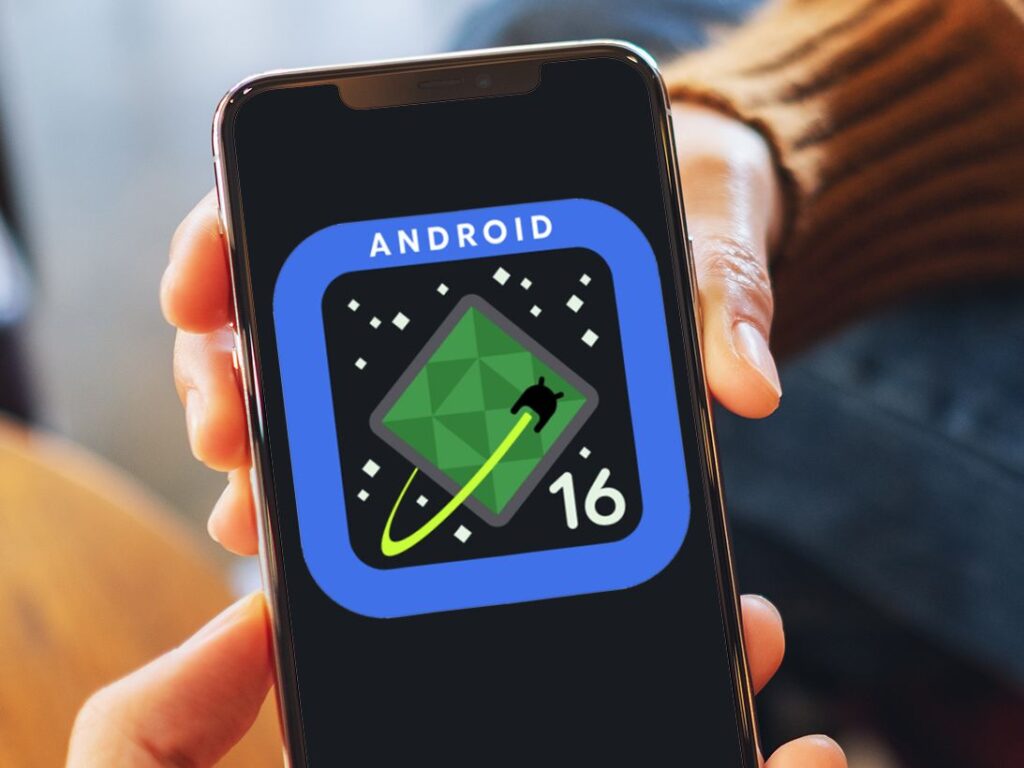
Google Pixel Gets a Stunning New Folder Animation & Major Android 16 QPR3 UI Tweaks
Thursday December 18, 2025 6:00 am PST by Loop Teck | Software & apps Google has just rolled out the Android 16 QPR3 update for Pixel devices, bringing a slew of fresh user interface enhancements that are already capturing attention across the tech community. With the latest beta build, Pixel users are seeing new launcher animations and…

About the Author

Previous Post
Next Post
Leave a Reply
Latest News




Stay Connected
Categories
AI & Automation All Category Digital Services & Online Platforms Gaming News Laptops & PCs Movies & TV-Series Reviews & Comparisons Smartphones & Gadgets Software & Apps
Tags
AI agents AI automation AI Search AI security Anthropic Apple Apple Intelligence apple iphone leaks Apple software update Artificial Intelligence best smartphones 2025 CES 2026 ChatGPT cybersecurity Dynamic Island Enterprise AI Facebook flagship smartphones foldable phones future of ai future technology gadget reviews Galaxy S26 Ultra generative AI Instagram iOS 27 iPhone 18 Pro Max iPhone Fold iphone news Loop Teck mobile technology OpenAI physical ai Siri AI Siri redesign smartphone innovation tech industry news tech news technology news tech rumors tech trends 2025 TikTok upcoming smartphones WWDC 2026 YouTube
About the Author

Loop Teck
LoopTeck was co-founded by Ratin Rahman (CEO) and Faria Thasin (CTO/Editor). Together, we launched the platform to bridge the gap between complex tech developments and everyday digital users, combining executive leadership with hands-on technical expertise to guide the site’s editorial direction.
Search the Archives
Access over the years of investigative journalism and breaking reports
You May Have Missed