


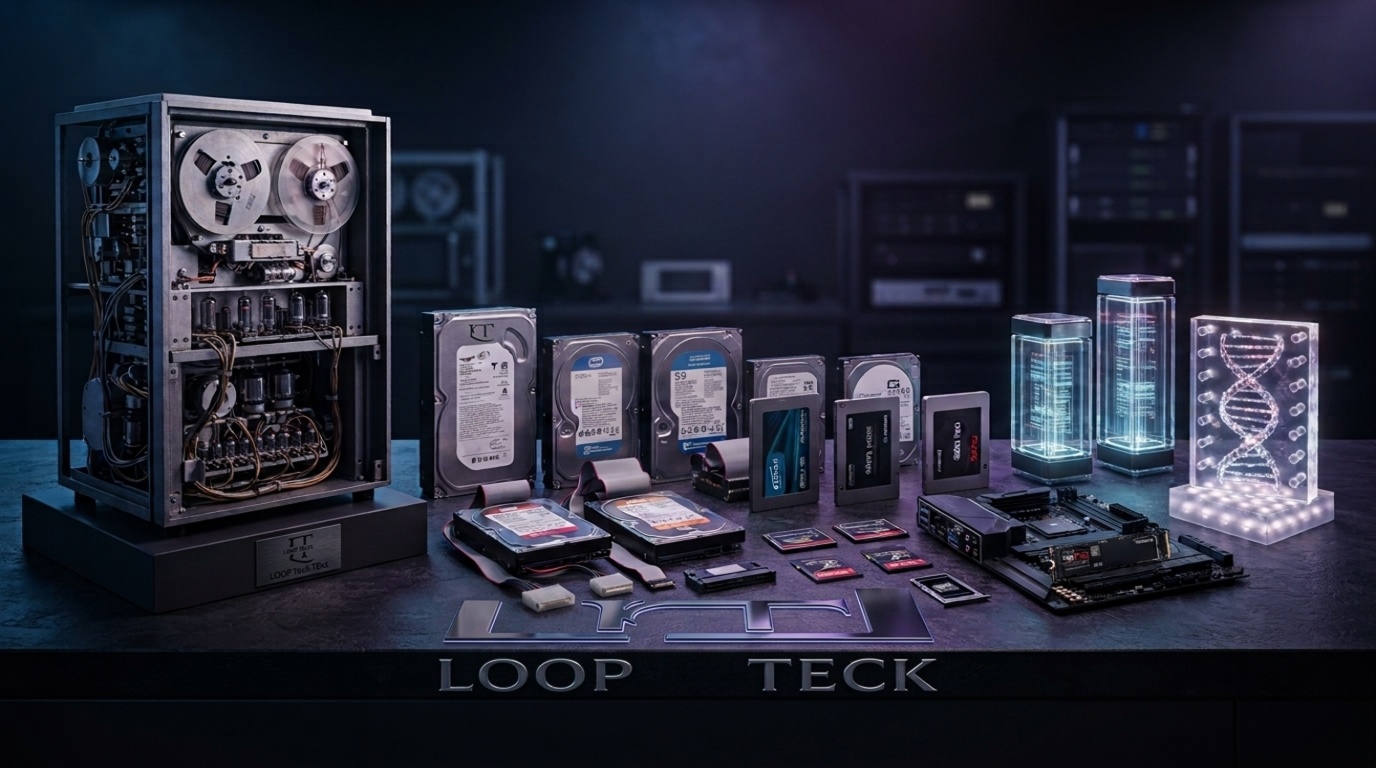
Storage Technology Evolution: From Giant Machines to Tiny Chips
In 1956, a hard drive could occupy a large cabinet and store only a few megabytes. Today, a tiny solid-state drive can hold hundreds of gigabytes or several terabytes.
That change did not happen through one invention.
It came from several overlapping revolutions: magnetic storage, flash memory, removable memory cards, NAND scaling, faster interfaces, new file systems and increasingly sophisticated controllers.
The result is easy to overlook because modern storage has become physically small.
A device that once required enormous machinery can now fit inside a laptop, phone or camera.
The story becomes even more interesting when the technology moves beyond today’s SSDs. Researchers are investigating glass, DNA and other unconventional media that could preserve enormous quantities of information for far longer than conventional drives.
Here is how we got from megabytes to the storage technologies that could define the decades ahead.
The Storage Revolution Began With Mechanical Hard Drives
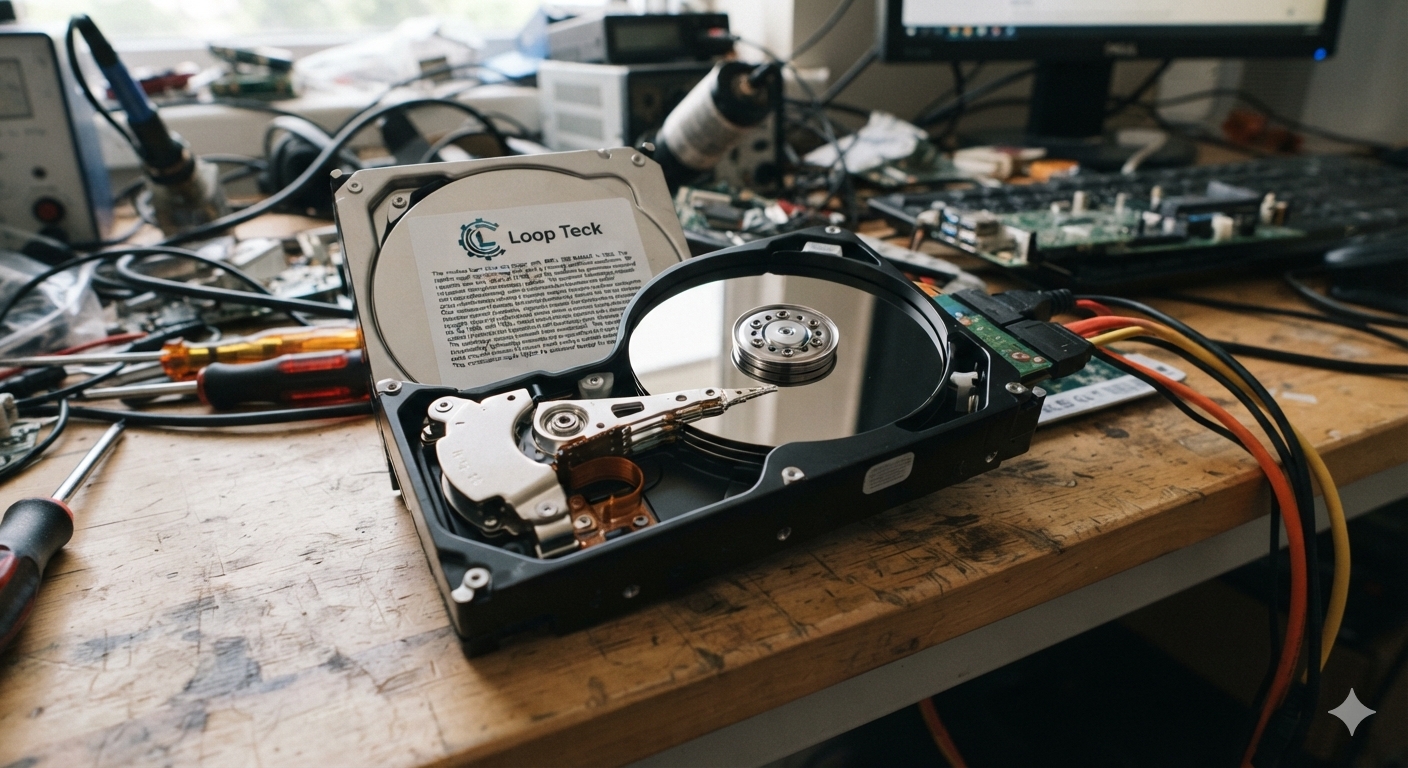
The modern hard-drive era began with IBM’s 305 RAMAC in 1956.
The system used spinning magnetic disks and a moving read/write mechanism. Its capacity was only about 3.75 MB, yet the machine was enormous compared with modern storage devices.
The important breakthrough was not capacity alone.
RAMAC demonstrated that computers could access large amounts of information using a magnetic disk rather than relying entirely on other forms of storage.
Over subsequent decades, engineers continuously reduced the physical size of hard drives while increasing their capacity.
The transition eventually brought hard drives into personal computers.
By the 1980s and 1990s, smaller 5.25-inch and 3.5-inch drives were becoming practical for desktop systems. Storage capacity moved from megabytes toward gigabytes, while the price of each gigabyte fell dramatically.
The underlying technology remained mechanical.
Platters still spun.
Heads still moved.
But the amount of information stored on each physical surface continued to rise.
That combination made HDDs the dominant form of mass computer storage for decades.
Flash Memory Changed What Storage Could Look Like
Hard drives had one fundamental limitation: they needed moving mechanical components.
Flash memory attacked the problem from a completely different direction.
Fujio Masuoka developed flash memory while working at Toshiba. The Computer History Museum records his work on flash architecture beginning in 1980, followed by a lower-cost NAND structure in 1987. Toshiba introduced commercial flash products that year.
Flash memory stores information electronically rather than relying on spinning magnetic surfaces.
That difference opened an entirely new design space.
Storage no longer had to look like a miniature record player.
It could become a small semiconductor package.
That eventually enabled USB flash drives, memory cards, embedded phone storage and solid-state drives.
The impact was enormous because flash could be made removable, portable and resistant to mechanical shock.
Memory Cards Took Flash Storage Into Cameras and Phones
The next major step was miniaturization.
CompactFlash arrived in 1994, becoming an important removable storage format for digital cameras and other electronics. SanDisk played a major role in bringing flash-based cards into the consumer market.
Other formats followed.
SmartMedia targeted compact consumer electronics, while PC Card and related removable formats helped portable computers add storage without installing another internal drive.
Then came SD.
The SD standard was created by Panasonic, SanDisk and Toshiba, with the SD Association established in 2000. The first SD cards were tiny compared with older storage media and initially offered only megabytes of capacity.
The standard subsequently expanded through several generations.
From 2 GB to 128 TB.
Follow the dramatic capacity evolution of the SD family — from the original SD standard to SDUC’s enormous theoretical capacity ceiling.
SD
The foundation of the modern SD memory-card family.
What changed?
The original SD standard established a compact, removable flash-storage format that could be used across cameras, laptops and other portable devices.
The SD Association officially defines these capacity ranges and associated file systems.
The important lesson is that storage capacity and interface speed had to evolve together.
A huge memory card is not particularly useful if a device cannot move data quickly enough.
That is why SD technology also developed increasingly sophisticated speed standards, including UHS and SD Express.
The microSD Era Made Storage Almost Disappear
The Memory Card Got Smaller.
As phones and portable electronics became thinner, removable storage had to shrink with them. The result was a dramatic transition from the full-size SD card to the tiny microSD — without shrinking the amount of information the technology could eventually hold.
Portable devices demanded less physical storage.
Phones were becoming thinner, cameras were becoming smaller, and large removable storage formats were increasingly difficult to accommodate.
TransFlash changed the physical equation.
SanDisk introduced TransFlash as a much smaller removable flash-memory format. It was later adopted by the SD Association and became known as microSD.
The breakthrough wasn't just shrinking the card.
The industry increasingly packed more NAND flash memory into a much smaller physical footprint. Storage density became more important than card size.
Smaller cards didn't mean less storage.
The key change happened inside the card. As NAND flash technology advanced, manufacturers could place more memory cells and more storage capacity into increasingly compact silicon packages. The physical footprint stopped being the main constraint.
3D NAND Turned Flash Into a Vertical Storage Technology
For years, flash manufacturers primarily improved density by shrinking memory cells.
Eventually, that approach became increasingly difficult.
The answer was to build upward.
3D NAND stacks memory cells vertically instead of keeping everything on a single flat layer.
That architectural shift allowed manufacturers to increase storage density without simply shrinking every individual component indefinitely.
The result is visible in modern SSDs and high-capacity memory cards.
The storage device may look almost unchanged from the outside, yet the amount of information inside can be dramatically larger.
This is one reason the storage revolution is easy to miss.
The biggest engineering changes increasingly happen inside the silicon.
SSDs Removed the Moving Parts From Computer Storage
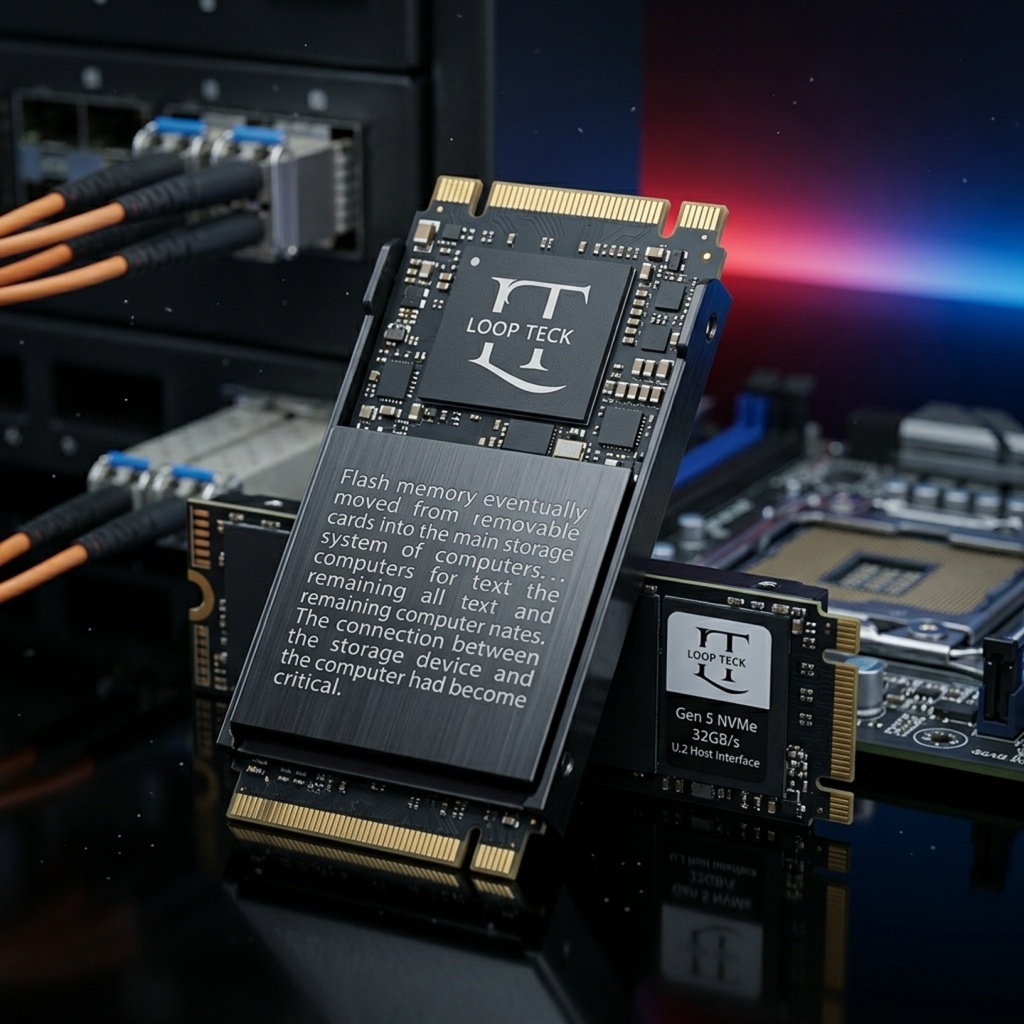
Flash memory eventually moved from removable cards into the main storage system of computers.
Early flash SSDs were extremely expensive. In 1991, SanDisk built a prototype flash SSD module for IBM that combined flash storage with a controller designed to manage defective cells and support reliable mass storage.
The concept was straightforward:
Replace spinning magnetic media with non-volatile memory.
The benefits were substantial.
SSDs could provide:
- Much lower access latency
- No spinning platters
- No moving read/write heads
- Lower mechanical vulnerability
- Smaller physical designs
- Much higher random-access performance
However, early SSDs remained expensive.
The economic story changed as NAND manufacturing scaled.
By the 2010s, SSDs had moved from specialized products toward mainstream consumer storage.
That shift also exposed another problem.
The flash chips themselves were no longer the only bottleneck.
The connection between the storage device and the computer had become critical.
IDE to SATA: Storage Cables Became a Bottleneck
For many years, computers relied on IDE/PATA connections.
The familiar wide ribbon cable became a defining feature of older PCs.
IDE supported increasingly capable hard drives, but the interface had limitations. It also used a shared parallel connection and required concepts such as master and slave drive configurations.
SATA changed the physical experience.
The Serial ATA interface replaced the wide ribbon cable with a much thinner data cable. It also provided a simpler point-to-point connection model.
More importantly, SATA became a practical bridge between mechanical hard drives and early consumer SSDs.
An SSD could use the same general storage interface as an HDD.
That made adoption easier.
But flash storage continued getting faster.
Eventually, SATA itself became the bottleneck.
NVMe Changed the Storage Path Again
The arrival of NVMe represented another major shift.
One important distinction matters here:
NVMe is not the same thing as M.2.
NVMe defines how host software communicates with non-volatile storage. PCIe is commonly used as its transport, while M.2 is one physical form factor used for NVMe SSDs. NVMe also exists in other form factors, including U.2 and add-in cards.
This distinction explains why modern storage can become dramatically faster without simply changing the memory cells.
A typical SATA SSD is constrained by the SATA interface.
An NVMe SSD can communicate through PCIe, providing a much wider and more scalable pathway.
From ribbon buses
to PCIe lanes.
Storage didn't just become faster — the connection itself evolved. Explore three generations and see how the physical interface, architecture and bottlenecks changed along the way.
storage
bus
interface
Why Modern NVMe SSDs Need Heatsinks
There is a trade-off hidden inside those performance numbers.
Modern high-end SSDs contain sophisticated controllers that manage NAND flash, error correction, wear leveling, caching and other operations.
At very high data rates, those controllers can generate significant heat.
When temperatures rise too far, SSDs can reduce performance through thermal throttling.
That is why some PCIe Gen 5 drives ship with substantial heatsinks or active cooling solutions.
The lesson is important:
More bandwidth does not come for free.
Every generation of storage pushes another engineering limit.
Earlier generations struggled with mechanical movement.
Later generations struggled with interface bandwidth.
Modern high-performance SSDs increasingly face power and thermal constraints.
File Systems Had to Evolve Alongside Storage
Hardware is only half the story.
The operating system also needs a way to organize the data.
That is the job of a file system.
FAT32 became widely known for its compatibility, but it has a major limitation: individual files cannot exceed approximately 4 GiB.
That became increasingly restrictive as video files and other digital assets grew.
NTFS provided much larger file and volume capabilities, along with features such as journaling.
exFAT became particularly important for removable flash storage because it supports extremely large files and is supported across many consumer platforms.
Microsoft’s documentation lists FAT32’s maximum file size at 4 GiB, while NTFS and exFAT support vastly larger theoretical file sizes.
The SD ecosystem illustrates this evolution clearly.
SD uses FAT12/16.
SDHC uses FAT32.
SDXC and SDUC use exFAT.
So storage evolution is not simply a story about bigger chips.
It is a chain involving media, controllers, interfaces, operating systems and file systems.
Faster Storage Also Changed How Games Use Data
High-speed SSDs created another problem.
If a drive can deliver gigabytes of data per second, the CPU and software stack can become the next bottleneck.
Microsoft’s DirectStorage technology was designed to help games take advantage of high-speed NVMe storage while reducing CPU overhead. It also supports hardware decompression paths, including GPU-based decompression when available.
That distinction matters.
DirectStorage does not mean every file simply travels from an SSD straight into GPU memory without software involvement.
Instead, it redesigns parts of the I/O pipeline so applications can submit batches of storage requests efficiently and use hardware decompression where supported.
This matters particularly for modern games.
Large worlds contain enormous quantities of textures, geometry, audio and other assets.
Faster storage can reduce the time needed to stream those assets into the game engine.
The result is a broader transformation than simply making Windows boot faster.
Storage is becoming an active part of application performance.
The Next Storage Revolution May Leave Silicon Behind
Flash memory still has enormous room for development.
But researchers are also exploring technologies that operate very differently from NAND.
One of the most interesting is DNA data storage.
Instead of representing information only through electronic states, DNA storage maps digital information onto sequences built from four chemical bases: A, T, C and G.
Its attraction is density and potential longevity.
That makes DNA particularly interesting for archival applications rather than replacing the SSD inside a laptop.
Another approach uses glass.
Microsoft’s Project Silica writes information into quartz glass using ultrafast femtosecond lasers. Microsoft describes the system as a long-term archival technology, with demonstrated media capacities of more than 7 TB on a glass platter roughly the size of a DVD.
Microsoft’s more recent 2026 research reports progress toward storing information in ordinary borosilicate glass and demonstrated techniques aimed at preserving data for at least 10,000 years under accelerated-aging analysis.
This is fundamentally different from an SSD.
An SSD is designed for fast, repeated access.
Glass archival storage is designed around durability and long-term preservation.
The two technologies solve different problems.
What Could Storage Look Like by 2076?
How Far Can Storage Technology Really Go?
Explore possible storage directions from today's high-density NAND to experimental atomic concepts and highly speculative biological ideas. The further we move into the future, the less certain the timeline becomes.
The near-term storage story is still focused on technologies that already exist. 3D NAND and advanced hard drives continue the push toward higher capacity and lower cost.
DNA and glass-based storage research points toward a different priority: extremely dense, long-term information preservation.
These concepts are particularly interesting for archival applications where information may need to survive for very long periods.
Atomic-scale storage explores information density at a level far beyond conventional magnetic or NAND-based approaches.
Single-atom storage has been demonstrated experimentally. However, a laboratory demonstration is very different from a reliable, inexpensive consumer product.
Biological and optical concepts could represent radically different approaches to long-duration information storage.
The idea of storing information inside living organisms is scientifically fascinating. However, plants functioning as practical data centers remain a hypothetical scenario, not an established technological roadmap.
technology
research
concepts
future
The Economics of Storage May Be the Biggest Revolution
Capacity is only one measure of progress.
Price matters just as much.
The earliest hard drives were expensive enough that storage represented a major capital investment.
Over decades, manufacturing improvements, higher recording densities and larger production volumes drove the cost of storing each gigabyte downward.
Flash followed a similar pattern.
Early SSDs were prohibitively expensive compared with HDDs.
Today, SSDs are standard components in laptops, desktops, game consoles and servers.
The physical storage device became smaller at the same time that its capacity increased.
That combination is the defining pattern of modern storage.
More capacity. Less physical space. Lower cost. Higher speed.
From Refrigerators to Chips You Can Hold Between Two Fingers
The most remarkable part of storage evolution is not any single capacity milestone.
It is the number of engineering layers that had to change simultaneously.
Magnetic disks became smaller.
Flash replaced moving components.
NAND cells became denser.
3D NAND moved memory vertically.
Interfaces moved from parallel IDE to SATA and then PCIe-based NVMe.
Controllers became more sophisticated.
File systems expanded their limits.
Operating systems developed more efficient I/O paths.
And researchers began investigating completely different physical media.
In 1956, 3.75 MB required a machine that was enormous by today’s standards.
Today, several terabytes can fit into a small SSD.
The next major shift may be less visible.
Instead of simply putting more data into smaller silicon, the industry may begin choosing storage media based on the job: fast NAND for active workloads, magnetic media for economical bulk storage, and potentially glass or DNA for information that needs to survive far beyond the lifespan of today’s computers.
Storage has therefore evolved from a hardware component into an entire technological ecosystem.
And the most interesting part of its history may be that the physical size of the storage device is no longer a good indicator of how much information it contains.
The future could make that contrast even more extreme.
Practical Takeaway
The history of storage is ultimately a story about removing constraints.
HDDs solved the problem of storing large quantities of information.
Flash removed mechanical movement.
Memory cards made storage portable.
3D NAND increased density.
SATA improved compatibility.
NVMe removed interface bottlenecks.
Modern software is now being redesigned to keep up with storage hardware.
The next challenge is different.
Instead of asking only “How much can we store?”, engineers increasingly need to ask “How long should it last, how much energy should it consume, and what physical medium makes the most sense?”
That question could determine whether the next storage revolution happens inside another generation of semiconductor chips—or inside glass, molecules and entirely new forms of matter.
How Much Do You Really Know About Storage?
Explore the evolution from massive mechanical drives to tiny NVMe SSDs and experimental DNA and glass storage.
What was the first commercial hard drive?
IBM's 305 RAMAC, introduced in 1956, is widely recognized as the first commercial hard disk system. It stored about 3.75 MB of data.
Who invented flash memory?
Fujio Masuoka developed flash memory while working at Toshiba. Toshiba introduced commercial flash products in 1987.
How did memory cards become so small?
Flash memory became increasingly dense as manufacturers improved NAND technology. Formats evolved from larger cards such as CompactFlash toward smaller SD and microSD designs.
What is the difference between NVMe and M.2?
NVMe is a storage communication protocol, while M.2 is a physical form factor. Many modern M.2 SSDs use NVMe over PCIe, but the terms are not interchangeable.
Why do high-speed NVMe SSDs need cooling?
High-performance SSD controllers can generate significant heat while processing large amounts of data. If temperatures become too high, the drive can reduce performance through thermal throttling.
Could DNA replace SSDs in the future?
DNA storage is being researched as a highly dense, long-term archival medium. It is not currently a practical replacement for the SSD inside a consumer computer.
You explored the journey from mechanical megabytes to next-generation storage research.

Loop Teck
✓Technology, AI, smartphones & the future of innovation.