Apple has released an urgent iPhone security update warning after identifying active cyberattacks that target sensitive user data. According to security disclosures, millions of iPhone and iPad users remain exposed because they have not yet installed the latest software patch. As a result, attackers may exploit these vulnerabilities to access passwords, payment details, and private information.
Importantly, this threat does not rely on user mistakes alone. Instead, it abuses flaws inside Apple’s own browser engine, making timely updates critical for device safety.
Apple confirmed two severe vulnerabilities within WebKit, the engine that powers Safari and all browsers on iOS and iPadOS. These flaws allow malicious websites to execute unauthorized code once a user loads a compromised page.
Moreover, security researchers describe the attacks as highly sophisticated. Once triggered, the exploit can bypass normal protections and gain control over the affected device. Consequently, attackers can steal login credentials, financial data, or stored personal information without obvious warning signs.
Millions of Devices Remain Unpatched
Although Apple has already released a fix, a significant number of users have not applied it. Reports estimate that hundreds of millions of devices still operate without the latest protection. This delay dramatically increases exposure, especially for users who browse the web frequently or rely on their devices for payments and authentication.
Notably, this iPhone security update warning applies to both phones and tablets, not just one product line.
iPhone and iPad Models Most at Risk
The vulnerability affects a wide range of modern Apple devices, including:
iPhone 11 and newer models
iPad Pro 12.9-inch (3rd generation and later)
iPad Pro 11-inch (1st generation and later)
iPad Air (3rd generation and later)
iPad (8th generation and later)
iPad mini (5th generation and later)
If your device appears on this list, installing the update should be treated as a priority.
How to Secure Your Device Immediately
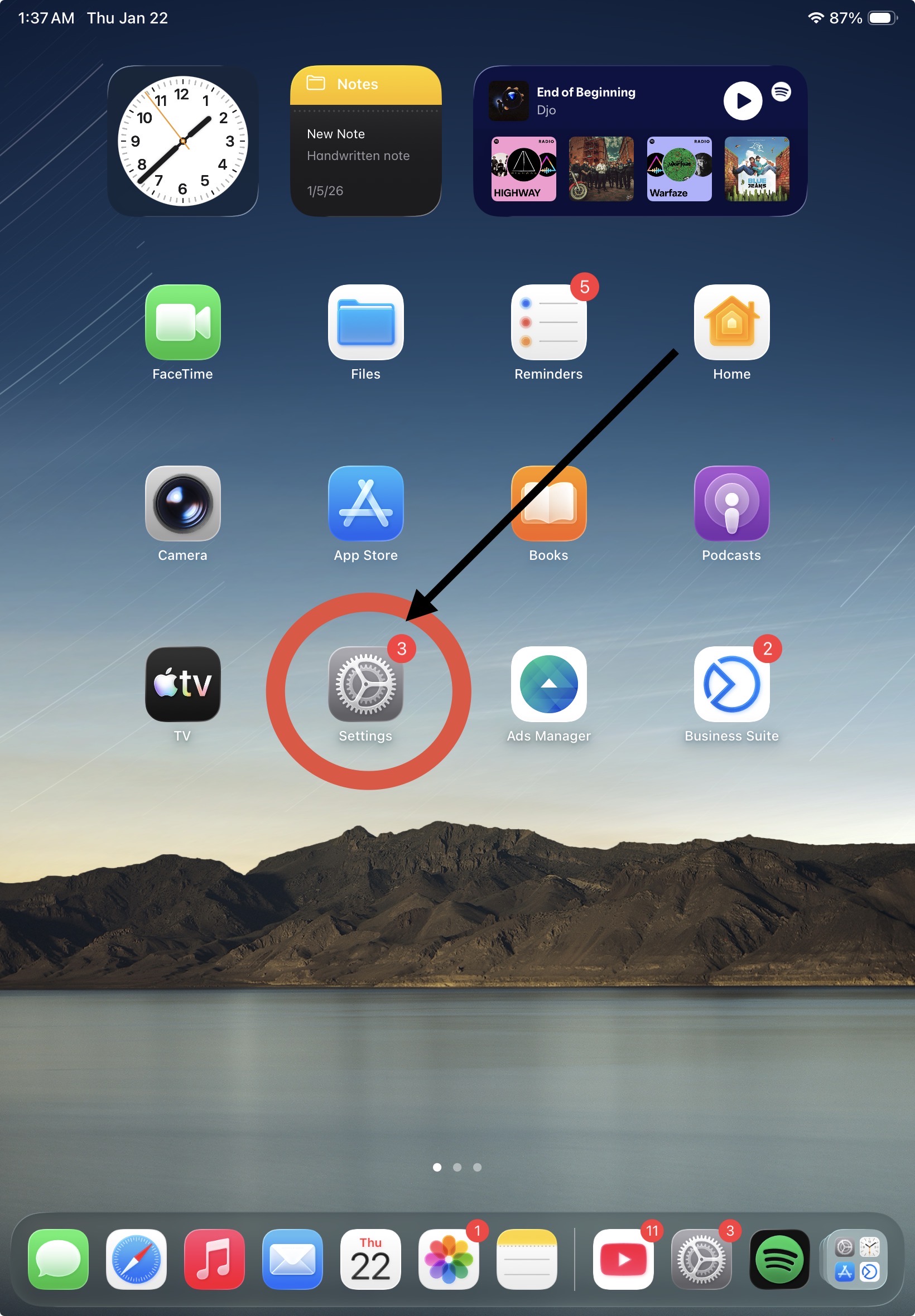
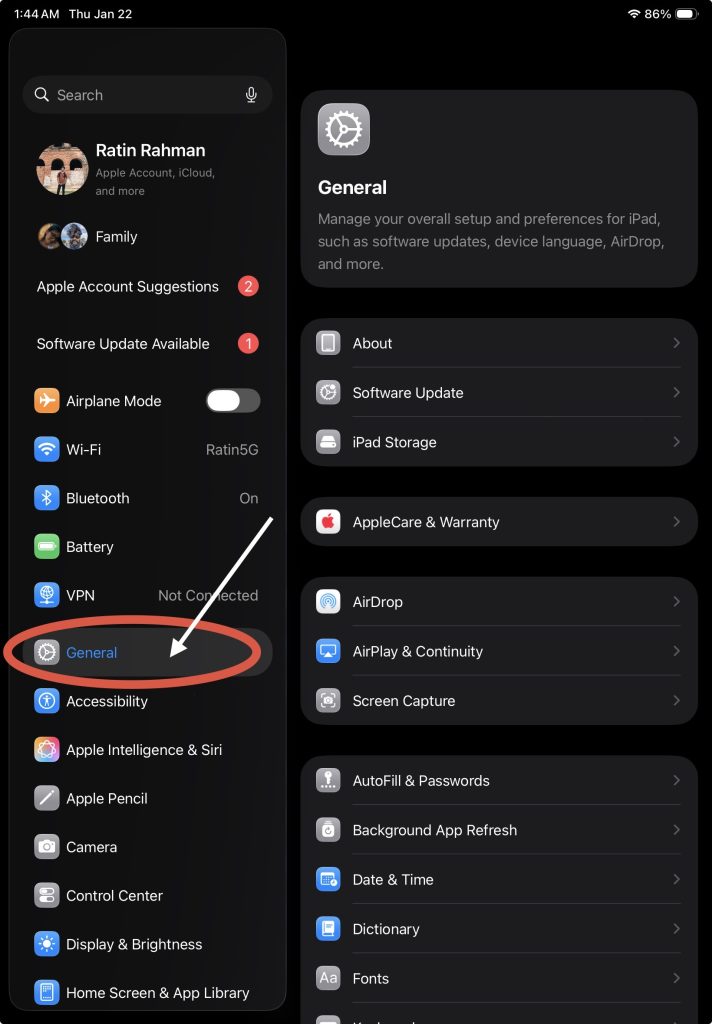
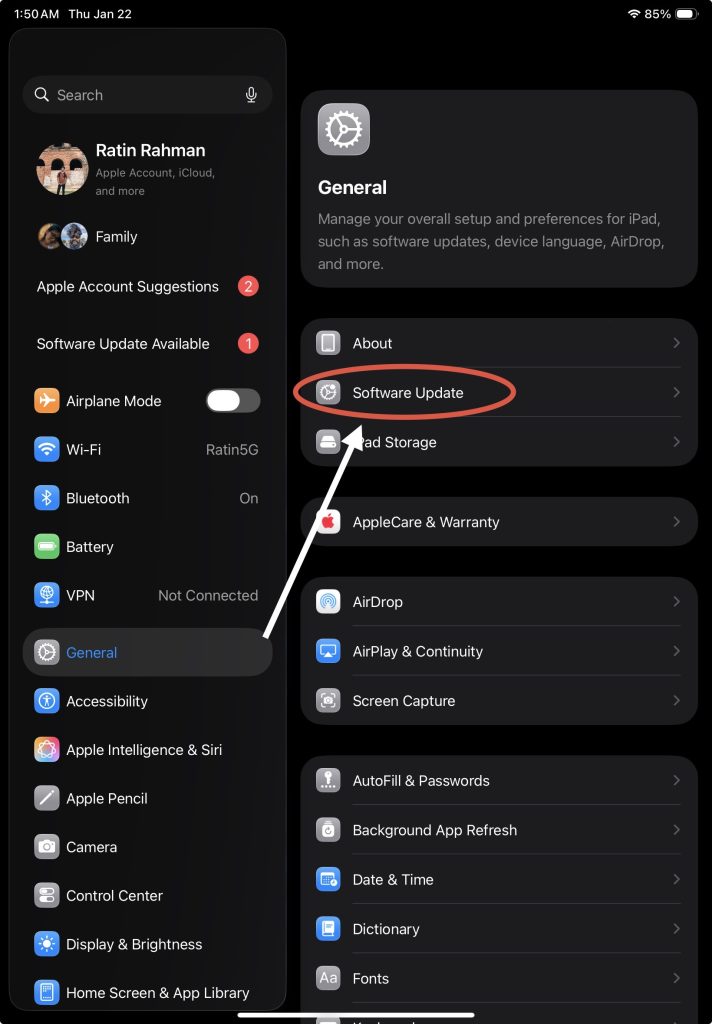
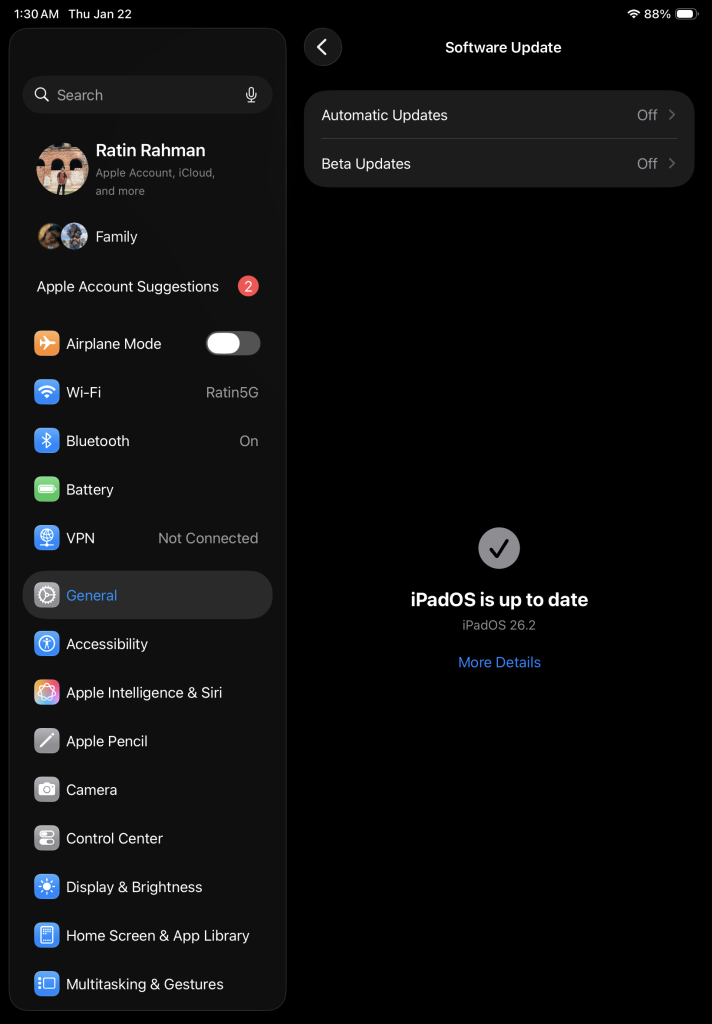
Apple recommends updating devices without delay. To do so:
Open Settings
Navigate to General
Select Software Update
Install the latest available version
If the update fails to install, Apple advises restarting or force-restarting the device before trying again. This process ensures the patch applies correctly and blocks known exploit paths.
Why Regular Updates Are Non-Negotiable
Apple emphasizes that frequent updates are essential for maintaining long-term device security. While new features often attract attention, security patches quietly prevent serious breaches. Therefore, ignoring update notifications can expose users to risks that remain invisible until damage occurs.
Ultimately, this iPhone security update warning highlights a simple truth: staying current is the most effective defense against evolving cyber threats.