If you’ve ever searched for a Google Play gift card redeem code, you’re not alone. Millions look for information on how Google Play codes work, why some codes don’t function, and how to redeem them safely. In this detailed guide, we explain exactly what these redeem codes are, common misconceptions, risks to avoid, and legitimate ways to use them.
What Is a Google Play Gift Card Redeem Code?
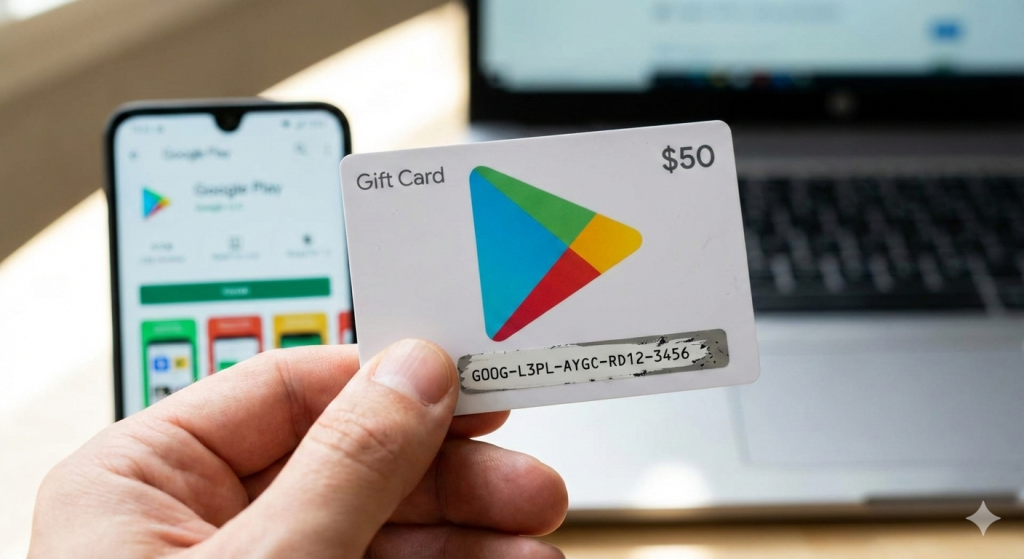
Image Credit: LoopTeck Generated by Gemini
A Google Play gift card redeem code is a unique alphanumeric string that adds credit to your Google Play account when entered correctly. These credits let you purchase games, apps, movies, books, and more on Google Play. Authentic codes are issued with purchased gift cards or earned through legitimate reward programs.
Why People Search for Gift Card Codes
Users often search for Google Play gift card redeem code because they want free or discounted credits. Some expect to find pre-made codes online, but that’s a misconception. Codes that appear random online are usually invalid or already used. There’s no official “free code generator” supported by Google.
Legitimate Versus Illegitimate Sources
First, understand that genuine codes come from:
Authorized retailers — e.g., Amazon, Best Buy, Walmart
Official promotions and giveaways
Rewards apps like Google Opinion Rewards or vetted survey sites
By contrast, avoid:
Code generator websites
Unverified social media posts promising free codes
Emails or scams asking for personal info in exchange for codes
These unofficial sources often harvest data or install malware.
Step-by-Step: How to Redeem a Google Play Gift Card Code
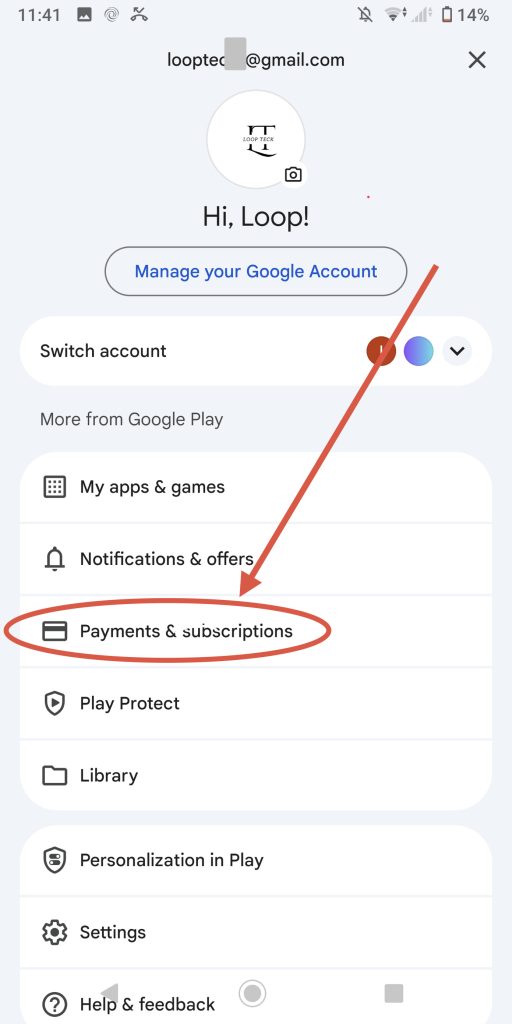
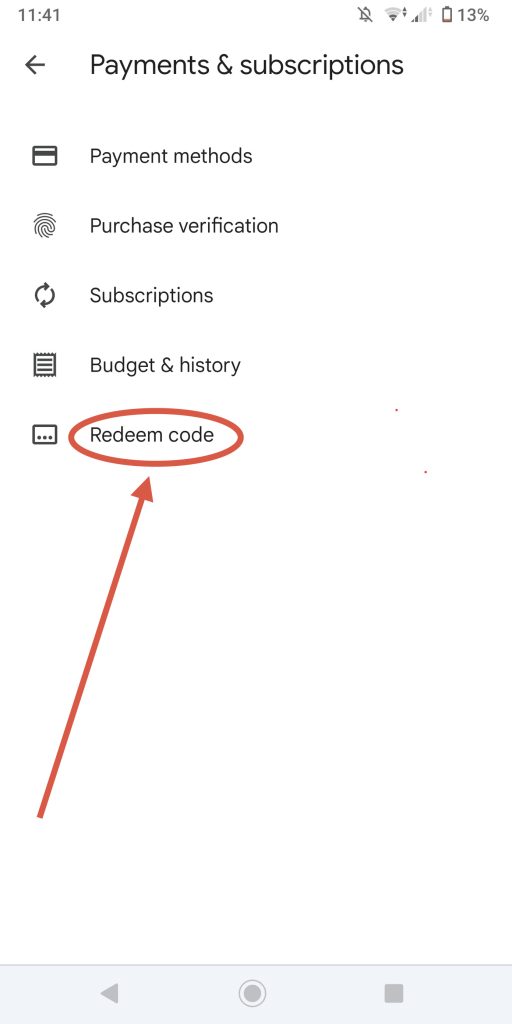
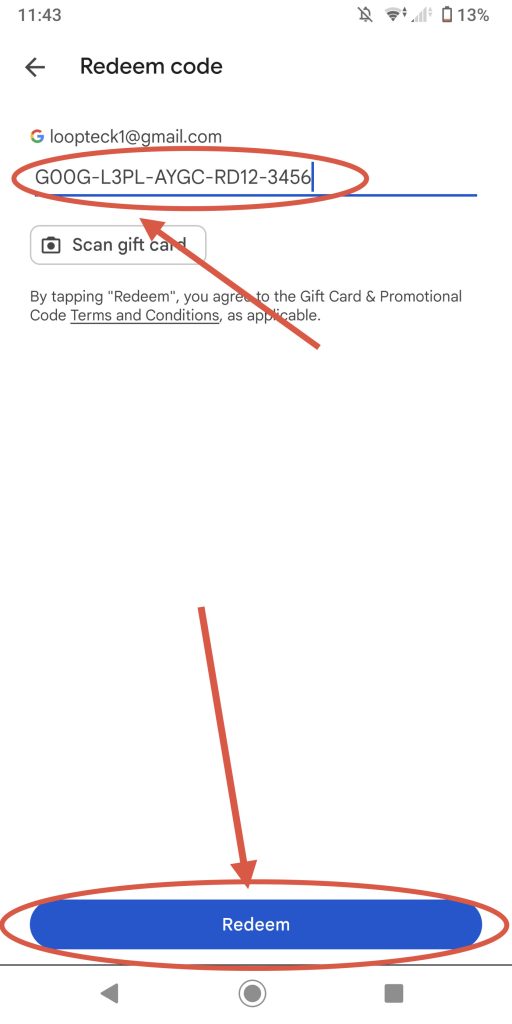
Image Credit: LoopTeck
Follow this safe process:
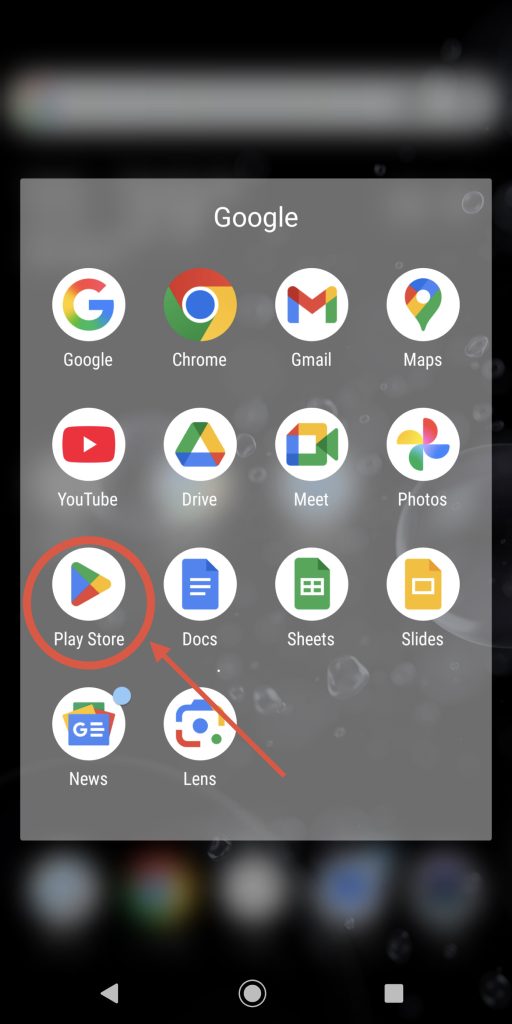
Open the Google Play Store app.
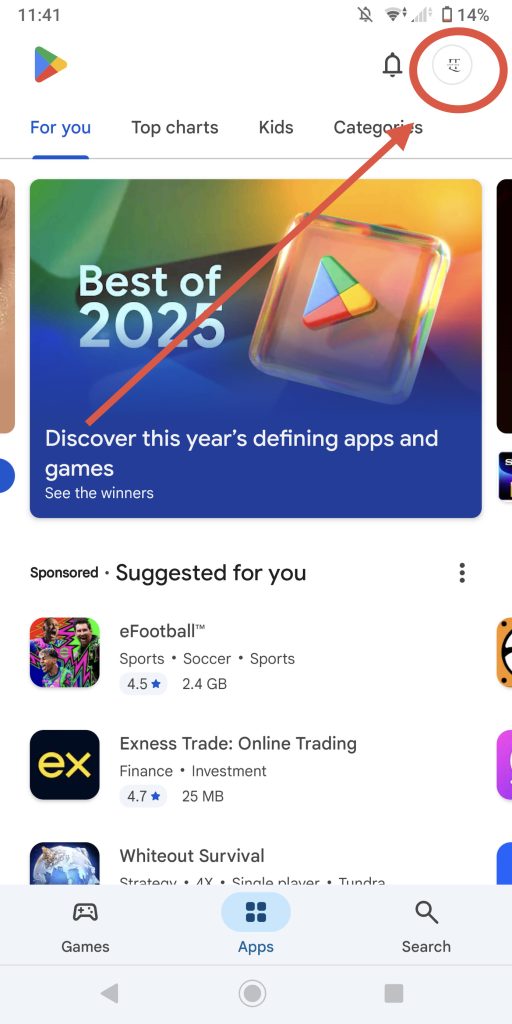
Tap your profile icon and select Payments & subscriptions.
ChooseRedeem code.
Enter the 16-digit code carefully.
Than press Redeem to add the credit to your balance.
Always enter codes manually — never paste them into sites that look like Google Play.
Common Redemption Problems and Solutions
Even legitimate gift cards can encounter issues like:
Invalid code messages
“Need more information” prompts
Codes already redeemed
These errors can result from regional restrictions or issues with how the card was issued. If redemption fails, double-check the code and purchase receipt, and contact support via the official Google Help Center.
How to Avoid Google Play Gift Card Scams
Transitioning away from risky sources, always consider:
Buying gift cards only from verified retailers
Avoiding sites that ask for your account password
Ignoring messages that promise “free unlimited credits”
If something seems too good to be true, it probably is.
Alternative Legit Ways to Earn Google Play Credit
Instead of chasing free codes online, you can earn credits through:
Google Opinion Rewards
Cashback and survey apps
Social media giveaways hosted by reputable accounts
These options require time or participation but are legitimate and safe.
Wrap-Up: Redeem With Confidence
Understanding the truth behind Google Play gift card redeem code searches helps you avoid scams, redeem safely, and enjoy Google Play purchases without risk. Focus on trusted methods, enter codes only on official platforms, and protect your account details to ensure a positive experience.